

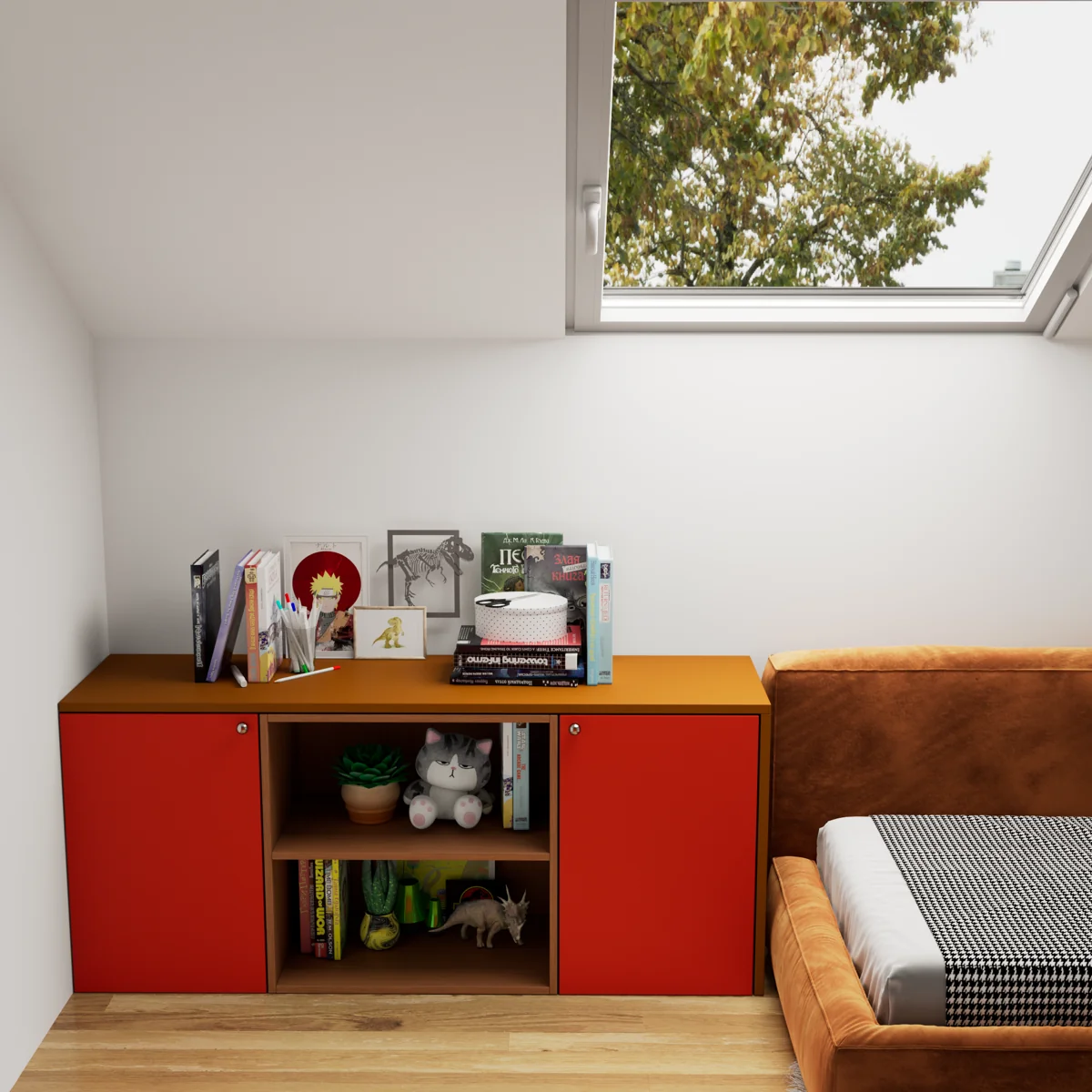
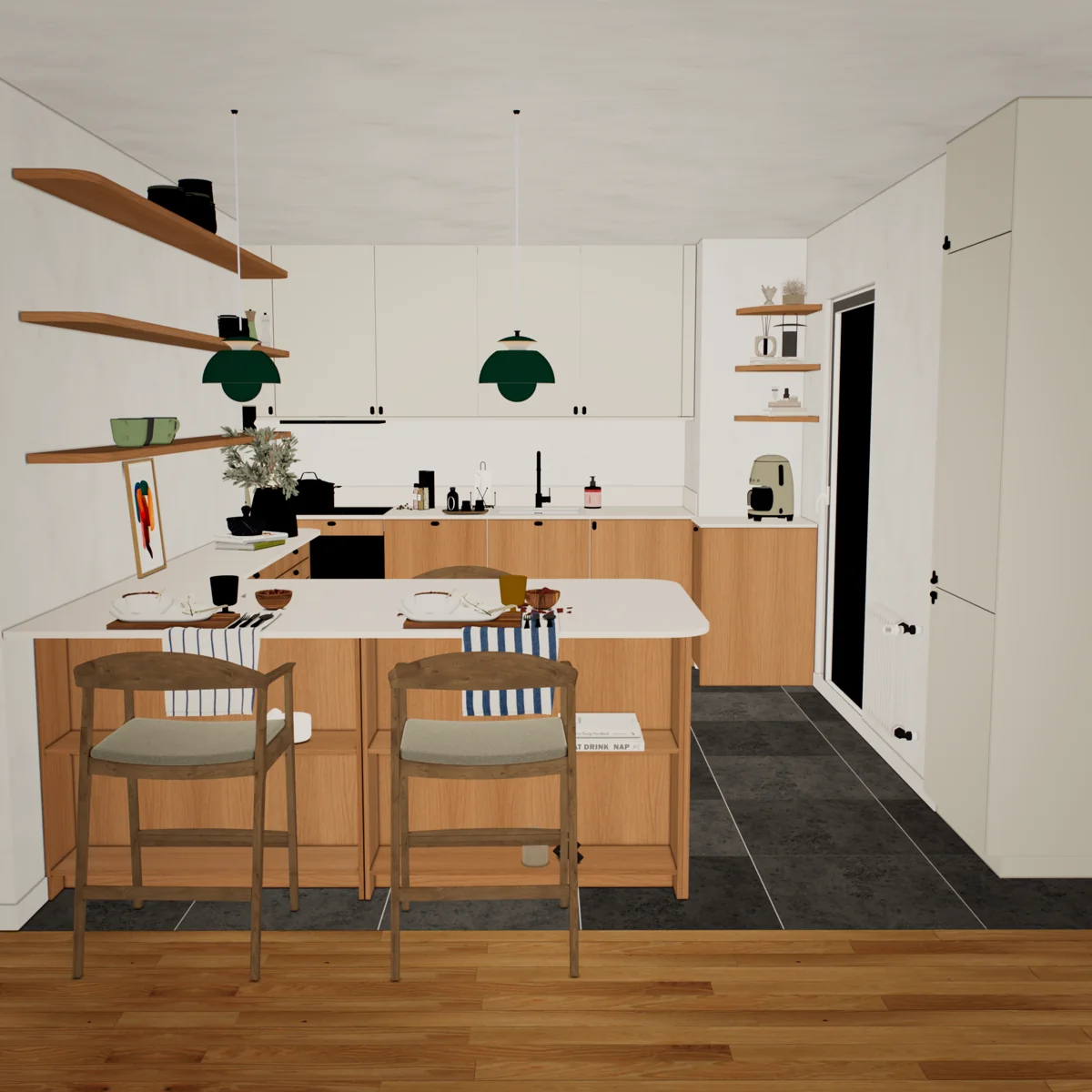
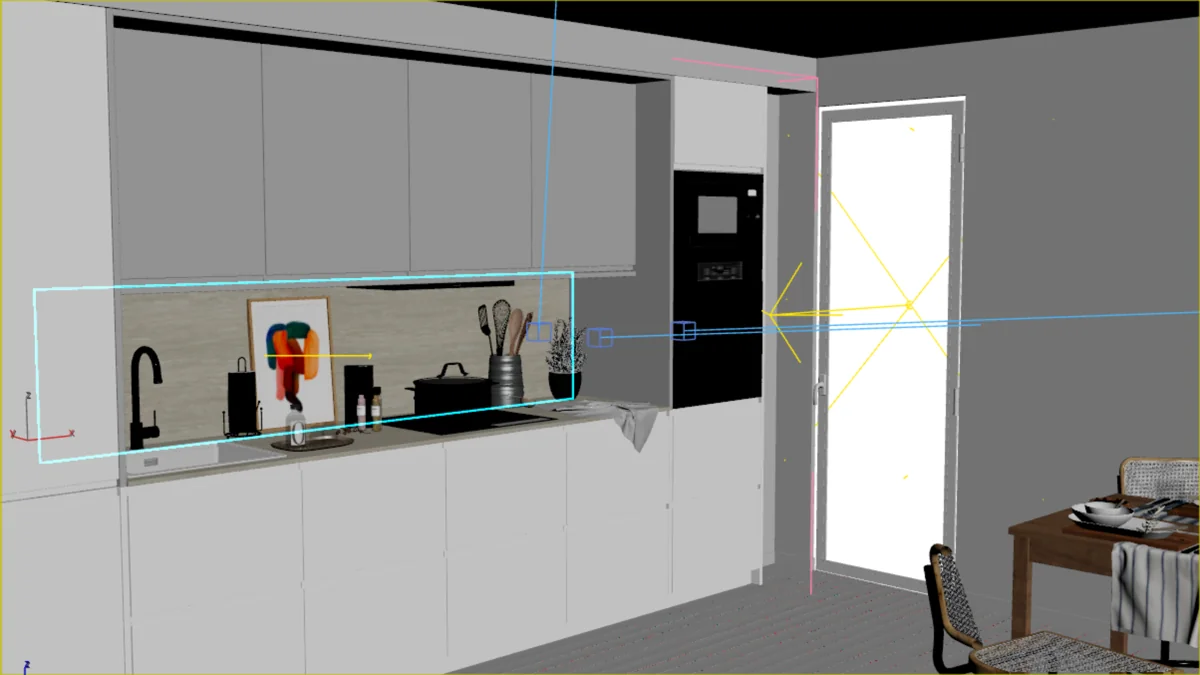
Refine an image
Start with a render, a viewport frame or an existing image. Guide the next version with a prompt and a reference.
From your first image to a scene in motion.
Inside the workflow you know.
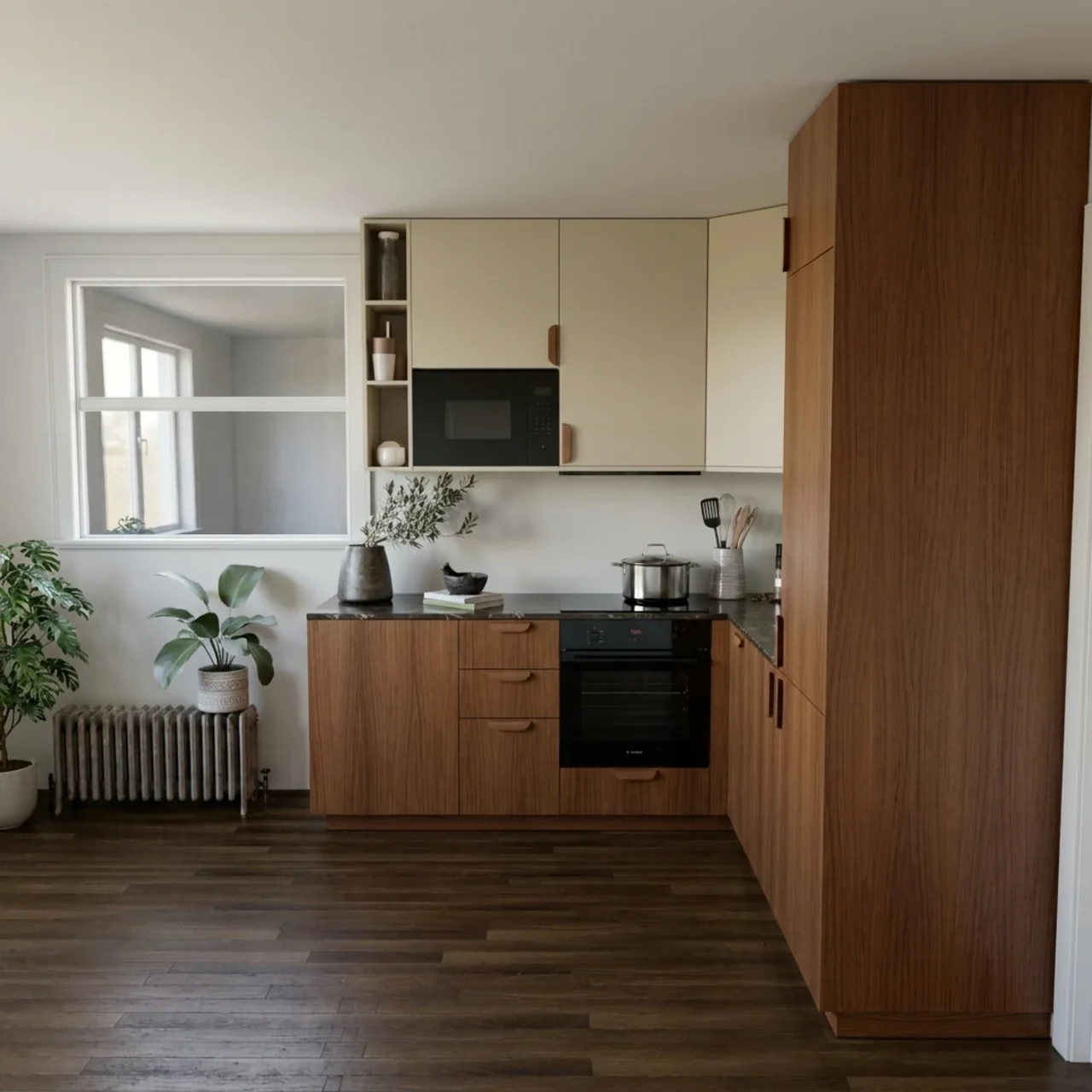

3DKLYN (KLYN) is an AI plugin for 3ds Max and architectural visualization. Explore lighting, materials and image edits, or turn a render into video with your own AI API keys.
Windows · Personal beta · Your own cloud provider or existing ComfyUI
Light, texture, atmosphere. Different directions, inside the workflow you know.




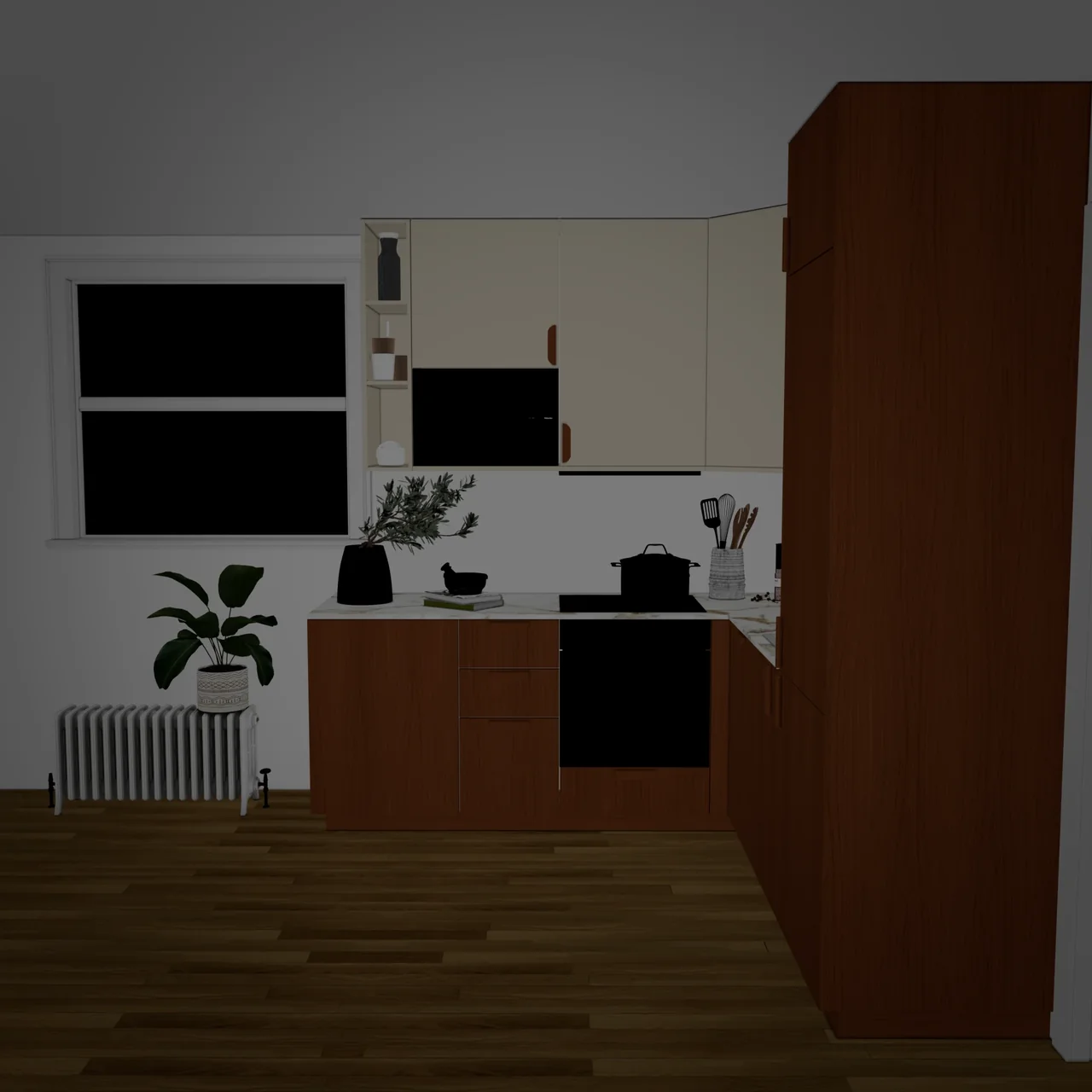
A real example with Gemini. Move the divider to inspect the source and the result.
See the workflow ↗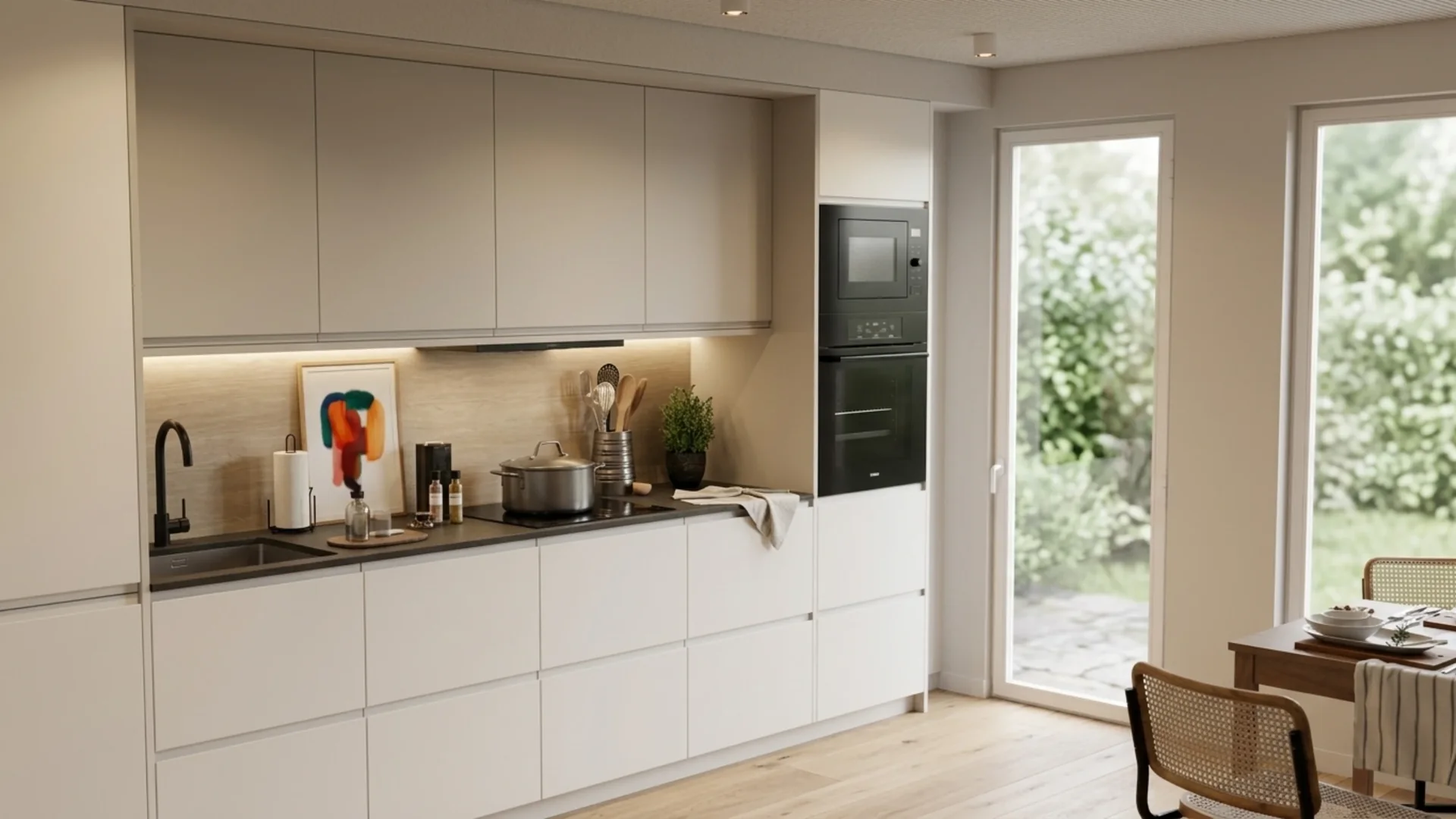
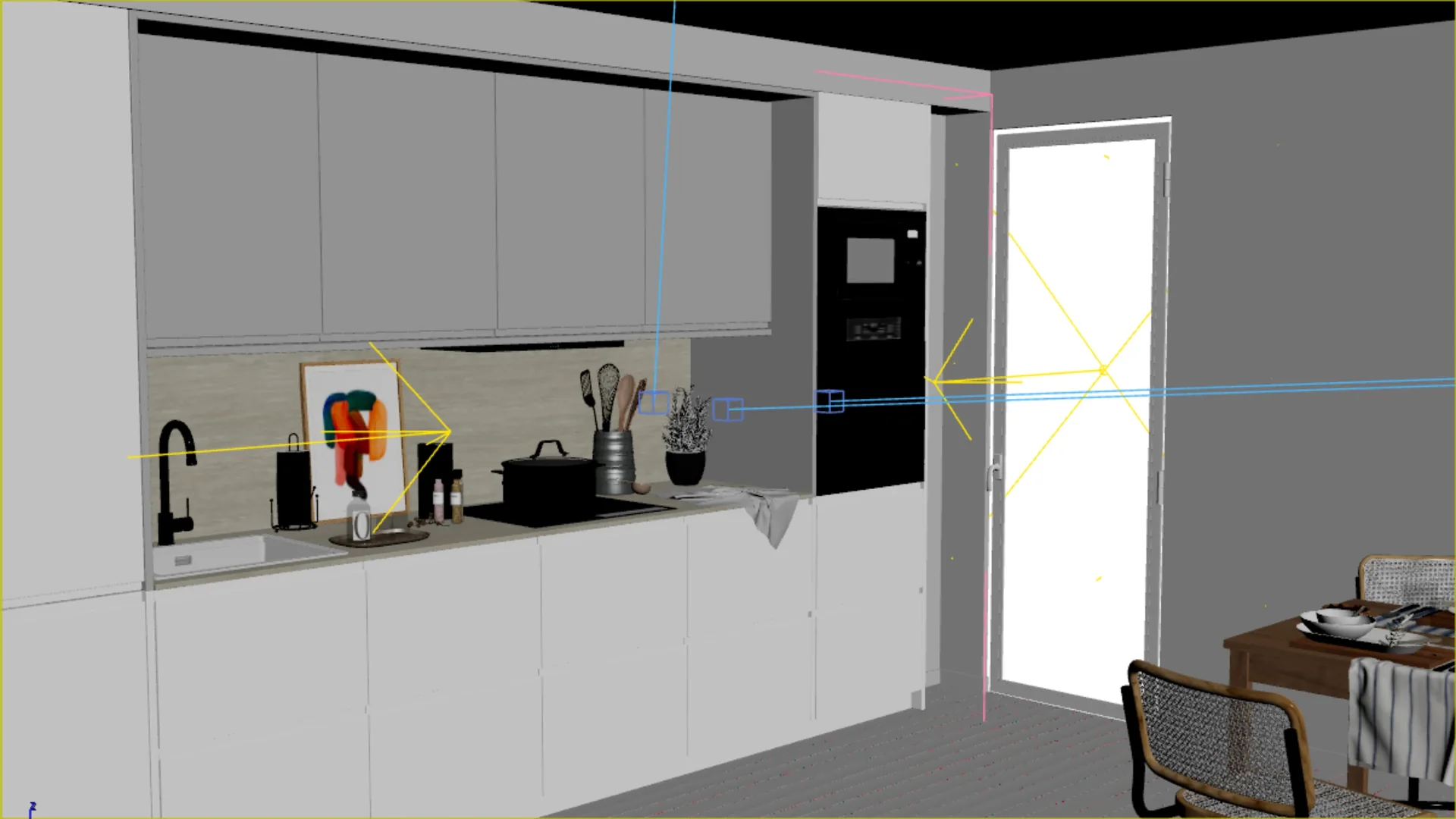
Illustrative example. AI can alter geometry and details. Check the result against your design.
PERSONAL BETA
Windows and 3ds Max 2025. No registration or activation. Use local ComfyUI or your own API keys; provider charges are separate.
Personal, non-commercial evaluation. Some models and advanced options remain experimental.
Start with a render, a viewport frame or an existing image. Guide the next version with a prompt and a reference.
Use a mask to guide changes to a selected area. Compare the output with the original before using it.
Explore lighting and material ideas from the same source. Review the variants in your KLYN workspace.
Explore lighting, materials and motion on personal test scenes. Download and generate with your own keys without a KLYN account.
Install personal betaShare the capabilities you would need for studio use. The current beta does not include client projects, company production or commercial use.
Discuss your workflowDownload the MZP without registration. In an empty 3ds Max session, choose Scripting → Run Script, then Install beta. KLYN opens automatically.
No KLYN registration or activation is required. Use your own cloud API key or existing ComfyUI server.
Connect your cloud provider or existing ComfyUI. Check request costs, try one small image and compare the result.
Step-by-step guide: installation, API and your first image →
Free personal, non-commercial testing until the testing programme ends. Download the installer without registration. No KLYN registration or activation is required to generate with local models and your own provider keys.
Download free beta .mzp—Support the project ↗Explore AI rendering from a 3ds Max viewport with KLYN: a before-and-after example, source preparation, prompt guidance and geometry checks.
Prepare an interior render for AI video in KLYN: source image, video example, motion prompt and practical checks before sharing the result.
3DKLYN, also written as KLYN or 3D KLYN, is an AI plugin for 3ds Max. Explore architectural visualization, edit render images and turn images into video with your own provider API keys or an existing ComfyUI server.
Download the MZP and generate with local models or your own provider keys without KLYN registration or activation. Download the free personal beta here. Donations are optional.
Personal, non-commercial beta access is free until testing ends, subject to the beta terms. No end date has been set.
No. KLYN uses your own API keys, and cloud generations are billed by your chosen provider. Cost depends on the model and request settings; check the provider’s pricing before generating.
Follow the step-by-step guide for installation, API setup, source selection and your first generation. Do not send passwords or API keys to support.
No. Start with an existing image, a render or a viewport frame from 3ds Max.
AI generation returns an image or video. The generated output itself does not change scene geometry or materials.
AI can change proportions, objects and materials. Compare the result with the original, especially for client work.
Installation, restart and removal of this release were checked in 3ds Max 2025. Other versions have not been verified. See the installation guide for setup.
The personal beta license is free. Your AI provider may charge for API requests. Donations are optional and do not unlock a commercial license or AI credits.
This beta is for personal, non-commercial testing. Client projects, studio services and other commercial use are not included.
Free, non-commercial testing until testing ends. Download, install and generate without KLYN registration. Provider costs are separate.